Getting started with the Curaeon support portal
Everything your clinic needs from Curaeon support lives at support.curaeon.com.au — here's the five-minute tour.
Signing in
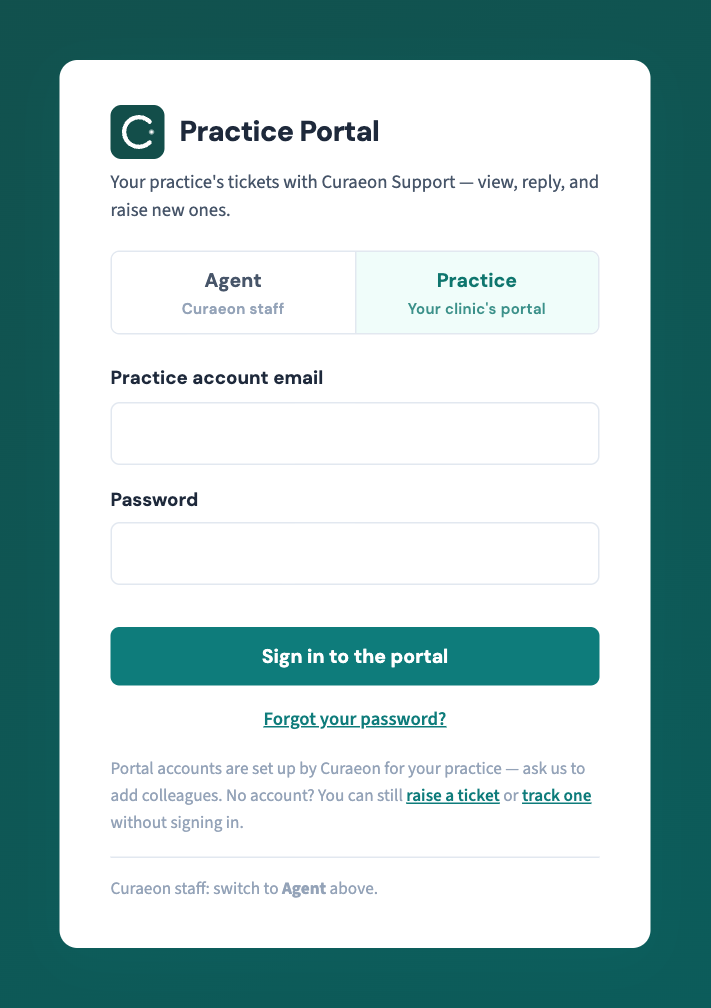
Curaeon sets up your practice's portal accounts — ask us to add colleagues (KB-003 — Add or deactivate a portal user for your clinic). You'll receive an email with a temporary password; sign in at the Practice tab and you'll be asked to choose your own.
What you'll find
- Your tickets — everything your clinic has raised, with live status against each. Open a ticket to read the thread and add an update; our replies appear in the same place.
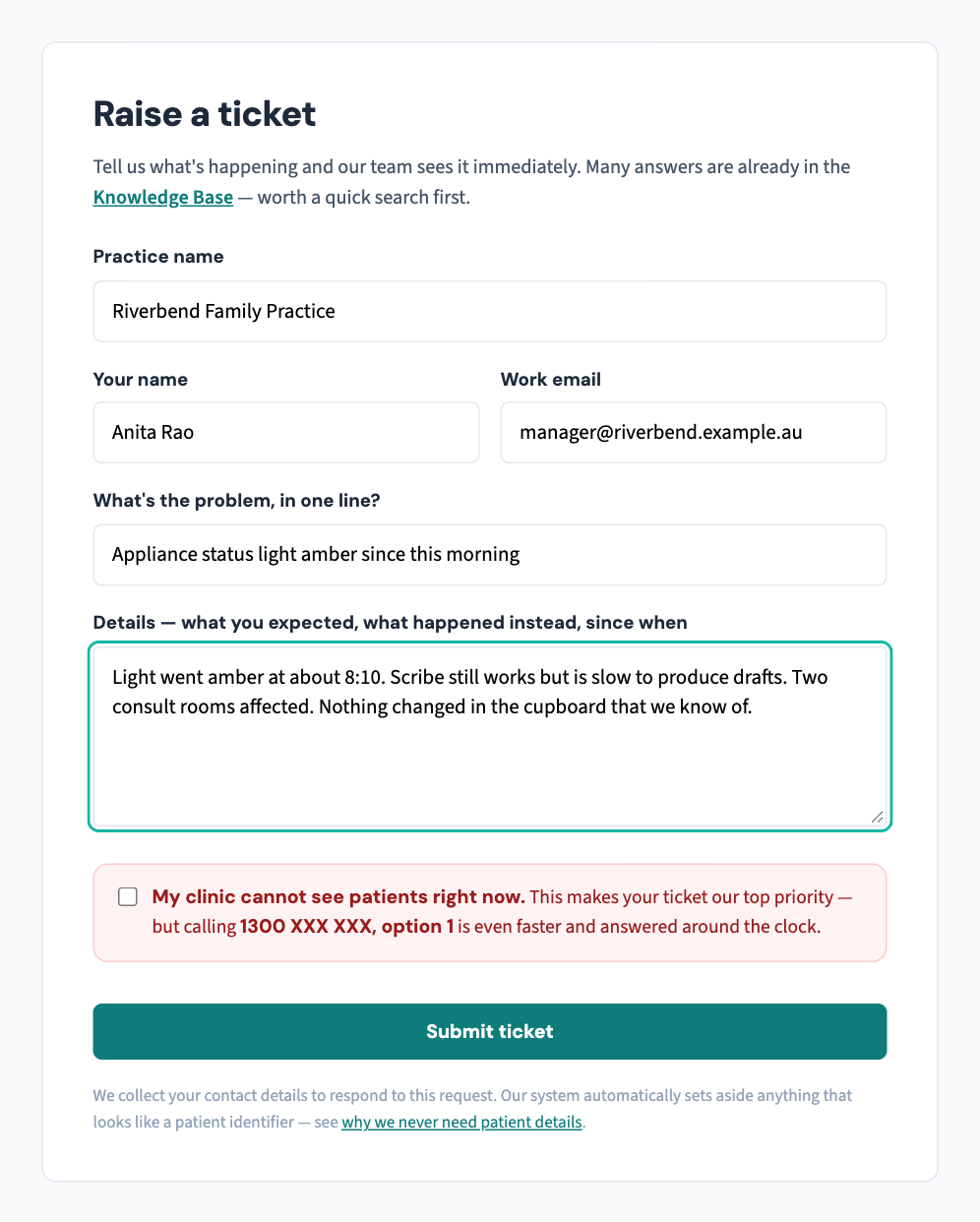
- Raise a ticket — one line for the problem, a few for the detail, and a box to tick if your clinic cannot see patients.
- Search — the Knowledge Base is open to everyone, no sign-in needed. Start typing your problem before raising a ticket; the answer is often already written, and it's faster than any response time we could promise. From inside Curaeon, choose your name at the right of the menu bar, then Help: the Help Centre, where these articles live, opens in a new tab (KB-178 — Find your way around Curaeon: the menu bar, More and your account menu).
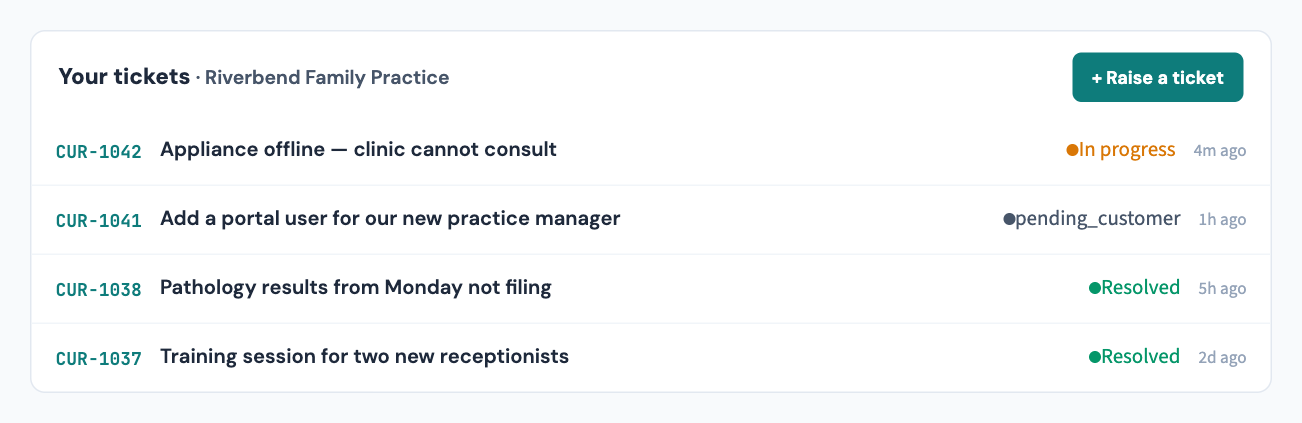
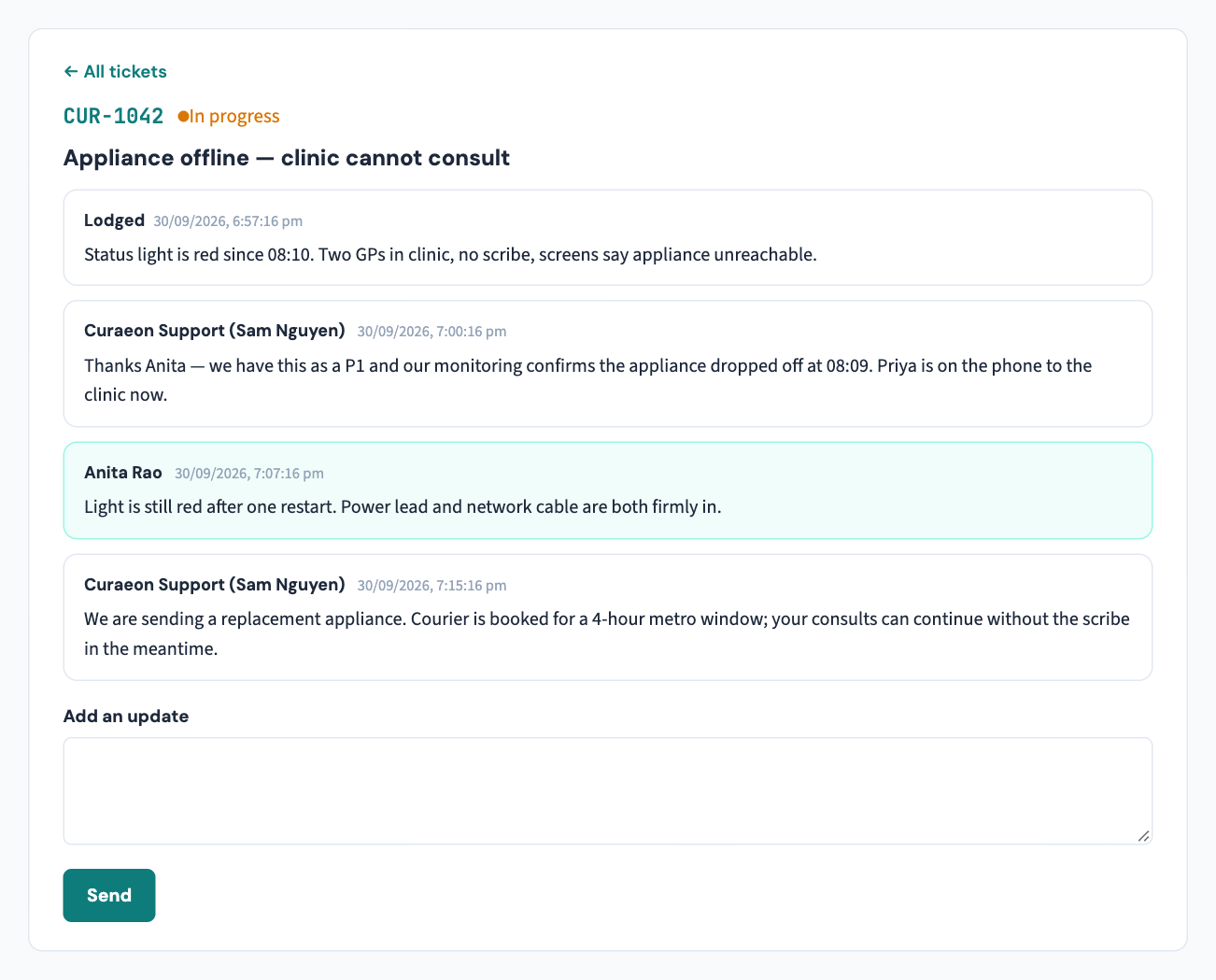
You don't need an account to raise or track a ticket — the public forms at support.curaeon.com.au work for anyone at your practice, using your ticket reference and the email it was lodged with.
Raising a good ticket
Say what you expected and what happened instead, and since when. And — genuinely — leave patient details out. We never need them, and anything that looks like a patient identifier is set aside automatically before an agent sees it (KB-007 — Why we never need patient details in a support ticket).
Installing it as an app
On your phone or tablet, the portal installs like an app: Share → Add to Home Screen (iPhone/iPad) or the install prompt in the address bar (Android/desktop Chrome). You'll get push notifications for ticket updates if you opt in.
One number to remember
If your clinic cannot see patients because of a Curaeon issue: don't type — call 1300 XXX XXX, option 1. Support is staffed Monday to Friday, 8:00–18:00 Sydney time; outside those hours a call or text to the same number is answered on a best-effort basis.
Related articles
- KB-002 — Reset your password or MFA for the support portal — Reset your password or MFA for the support portal
- KB-003 — Add or deactivate a portal user for your clinic — Add or deactivate a portal user for your clinic
- KB-006 — How to report a clinic-down emergency (and what happens next) — How to report a clinic-down emergency (and what happens next)